
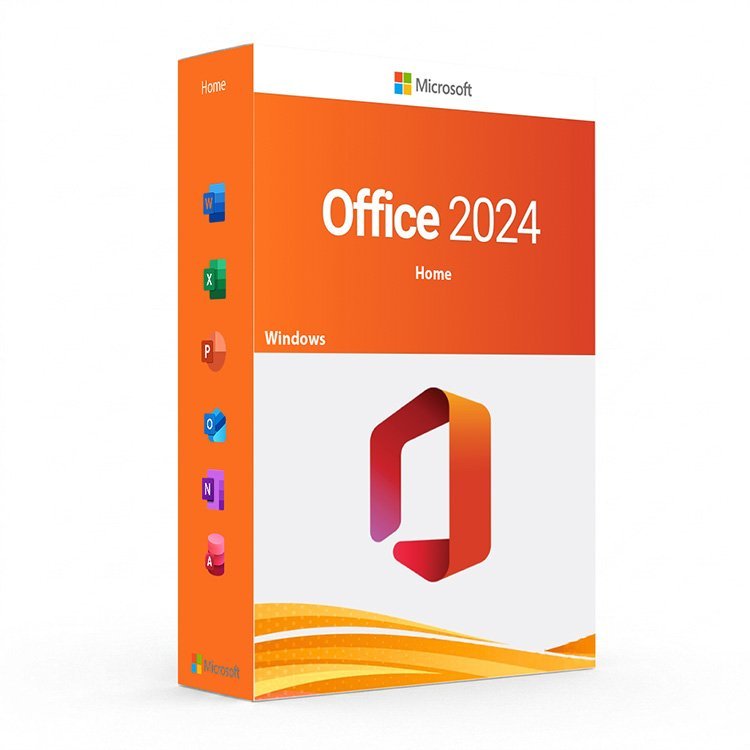
Microsoft Office Home 2024 for Windows – UK Digital Licence
Microsoft Office Home 2024 for Windows is a modern productivity suite designed for students, home users, families and personal users who need reliable Office applications for documents, spreadsheets, presentations and notes. It includes classic Microsoft Office applications such as Word, Excel, PowerPoint and OneNote for Windows PCs.
This edition is ideal for customers who prefer a traditional Office 2024 one-time purchase instead of a Microsoft 365 subscription. It helps you create documents, organise data, prepare presentations, manage notes and work with common Office file formats such as DOCX, XLSX and PPTX.
For a complete Microsoft setup, you can also explore our Microsoft Office licences, compare other Office for Windows versions, or combine Office with a compatible operating system from our Windows licences category.
Important Notice About Office 2024 Support
Microsoft Office Home 2024 for Windows is supported until October 9, 2029. After this date, Office 2024 apps may continue to work, but Microsoft will no longer provide support or security updates for this version.
This product is recommended for customers who need Office 2024 for home use, study work, personal productivity, documents, spreadsheets, presentations and notes. If you need Outlook for email and calendar management, Microsoft Office Home & Business 2024 for Windows may be more suitable.
Why Choose Microsoft Office Home 2024 for Windows?
- Modern Microsoft Office 2024 suite for Windows users
- Includes Word, Excel, PowerPoint and OneNote
- Suitable for students, home users, families and personal productivity
- Useful for documents, spreadsheets, presentations, notes and study work
- One-time purchase Office version, not a Microsoft 365 subscription
- Works with common Office file formats such as DOCX, XLSX and PPTX
- Compatible with Windows 10 or later
- Fast digital delivery by email after order confirmation
- Activation instructions included
- Installation and activation support available when needed
Included Office Applications
| Application | Main Use |
|---|---|
| Microsoft Word 2024 | Create, edit and format documents, essays, reports, CVs, letters and personal files. |
| Microsoft Excel 2024 | Create spreadsheets, manage data, use formulas, organise tables, prepare budgets and analyse information. |
| Microsoft PowerPoint 2024 | Create presentations for school, home projects, training, meetings and personal use. |
| Microsoft OneNote | Organise notes, ideas, study material, checklists, research and project information. |
Key Features of Office Home 2024
- Word Processing: Use Word to create clear and professional documents, essays, letters, reports and study files.
- Spreadsheet Tools: Manage calculations, budgets, tables, lists and data with Excel.
- Presentation Design: Build clean and professional slides with PowerPoint for school, personal projects and presentations.
- Digital Notes: Use OneNote to organise study notes, ideas, lessons, research and planning lists.
- Office File Compatibility: Work with popular Microsoft Office formats including DOCX, XLSX, PPTX and other supported file types.
- Offline Productivity: Create and edit files locally on your Windows PC without relying only on browser-based tools.
Office Home 2024 vs Office Home & Business 2024
Microsoft Office Home 2024 for Windows is designed mainly for students, families and home users. It includes Word, Excel, PowerPoint and OneNote. If you need Outlook for email, calendar and business communication, Office Home & Business 2024 is the better choice.
| Feature | Office Home 2024 | Office Home & Business 2024 |
|---|---|---|
| Word | Yes | Yes |
| Excel | Yes | Yes |
| PowerPoint | Yes | Yes |
| OneNote | Yes | Yes |
| Outlook | No | Yes |
| Best For | Students, families and home users | Home users, freelancers and small businesses |
Which Office Version Should You Choose?
- Choose Microsoft Office Home 2024 for Windows if you need Word, Excel, PowerPoint and OneNote for study, home or personal use.
- Choose Office Home & Business 2024 for Windows if you also need Outlook for email and calendar management.
- Choose Office for Windows if you want to compare different Office editions for Windows PCs.
- Choose Microsoft Office licences if you want to browse all Office editions for Windows and macOS.
Recommended Products
- Microsoft Office for Windows – compare Office editions designed for Windows PCs.
- Microsoft Office licences – browse Word, Excel, PowerPoint, Outlook and other Office suites.
- Office Home & Business 2024 for Windows – recommended if you need Outlook included.
- Windows licences – suitable if you need a compatible Windows operating system.
- Windows 11 Professional – recommended for modern Windows devices and business users.
System Requirements for Office Home 2024
| Component | Requirement |
|---|---|
| Platform | Windows PC |
| Operating System | Windows 10 or later |
| Processor | 1.6 GHz or faster, 2-core processor recommended |
| Memory | 4 GB RAM recommended for better performance |
| Storage | 4 GB of available disk space recommended |
| Display | 1024 x 768 screen resolution or higher |
| Internet | Required for download, installation, activation and some online features |
Delivery and Activation
- Product: Microsoft Office Home 2024 for Windows
- Platform: Windows PC
- Licence Type: Digital licence
- Delivery Method: Digital delivery by email
- Activation: Activation instructions provided after purchase
- Support: Installation and activation assistance available
How to Get Started
- Complete your order for Microsoft Office Home 2024 for Windows.
- Receive your product details and activation instructions by email.
- Check that your Windows PC is compatible with Office 2024.
- Download and install the Office applications on your computer.
- Open an Office app such as Word, Excel, PowerPoint or OneNote.
- Follow the provided activation steps to complete setup.
- Contact our support team if you need help with installation or activation.
Important Licence Information
Microsoft Office Home 2024 for Windows is a traditional Office version and is different from Microsoft 365 subscription plans. It is designed for customers who want classic Office desktop applications without a monthly or yearly subscription.
This product does not include Outlook, Access or Publisher. If you need Outlook, choose Office Home & Business. If you need Access and Publisher, choose a Professional Plus or LTSC edition for Windows.
Is it Microsoft Office Home & Student 2024 or Office Home 2024?
For the 2024 version, the common product name is Microsoft Office Home 2024. It replaces the older Home & Student style naming used in some previous Office versions.
What apps are included with Office Home 2024?
Office Home 2024 includes Word, Excel, PowerPoint and OneNote for Windows users.
Does Office Home 2024 include Outlook?
No. Outlook is not included with Office Home 2024. If you need Outlook, choose Microsoft Office Home & Business 2024 for Windows.
Is Office Home 2024 a Microsoft 365 subscription?
No. Office Home 2024 is a one-time purchase Office version and is different from Microsoft 365 subscription plans.
Will Office Home 2024 work on Windows 11?
Yes. Office Home 2024 works on compatible Windows PCs running Windows 10 or later.
How will I receive my Office Home 2024 licence?
Your product details and activation instructions will be delivered digitally by email after order confirmation.
Do you provide installation support?
Yes. Installation and activation support is available if you need help setting up Microsoft Office Home 2024 for Windows.


Reviews
There are no reviews yet.